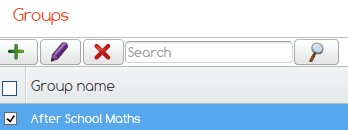
Highlight the group you wish to edit.
Click on the Purple pencil.
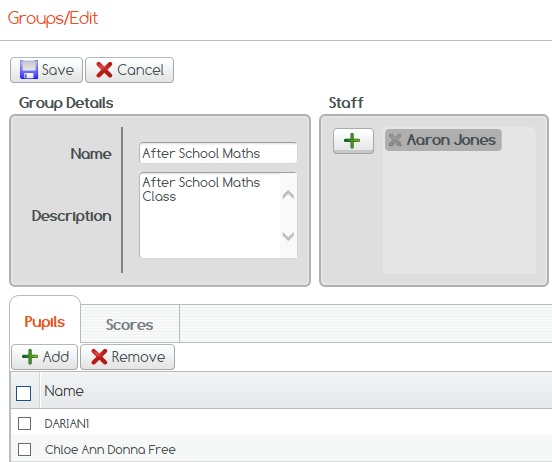
Here you can edit all group data including generating adding and removing staff and pupils.
Click Save to complete.
If you cannot find what you are looking for please feel free to email us at Support@2simple.com or call us on 0208 203 1781.