Please see our video or scroll down for a step by step guide.
This video will show you how to manually add pupils to groups.

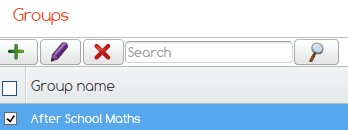
Highlight the class you wish to add pupils to.
Click on the Purple pencil.
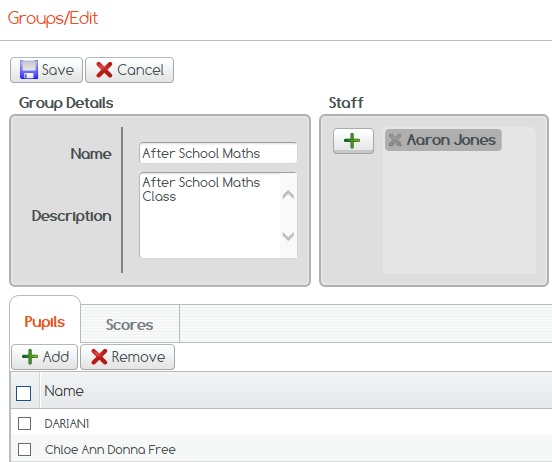
Then click the green plus sign under the Pupils tab to add pupils to the group.
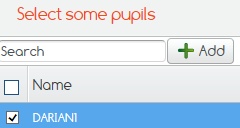
Tick those pupils you wish to add to the group.
Click Add to complete.
If you cannot find what you are looking for please feel free to email us at Support@2simple.com or call us on 0208 203 1781.