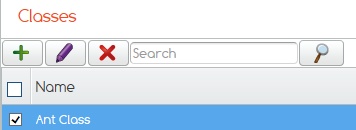
Highlight the class you wish to add pupils to.
Click on the Purple pencil.
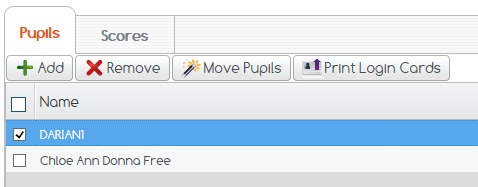
Then tick those pupils you wish to move and click on the Move Pupils button.
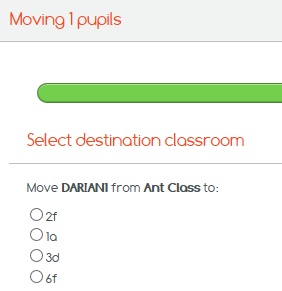
Here you will be given a selection of your other classes to choose from.
Tick the one you wish to move the pupil to and click next to move on to the next pupil or the preview result screen.
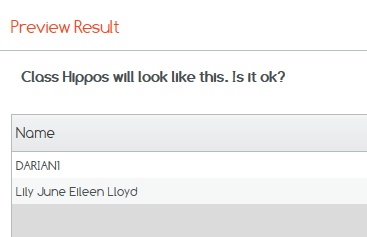
At the preview results screen you will have a chance to ensure you have moved your pupil to the correct class.
If this is OK click Finish, if not click Previous to correct.
If you cannot find what you are looking for please feel free to email us at Support@2simple.com or call us on 0208 203 1781.