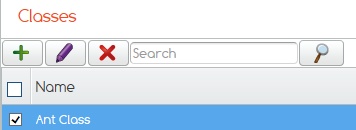
Highlight the class you wish to add staff members to.
Click on the Purple pencil.
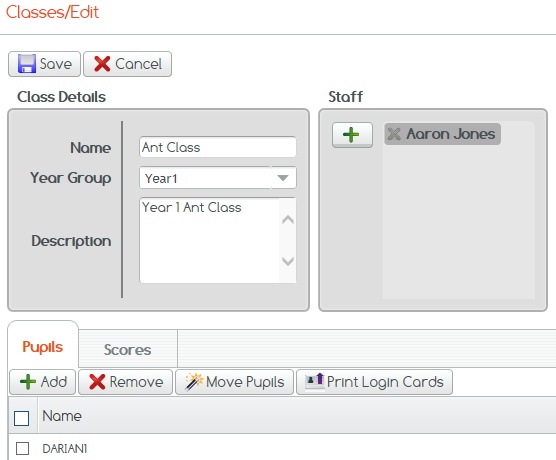
Then click the green plus sign in the Staff box to add staff members to the class, if you do not add staff members they will not have access to view work for pupils in that class.
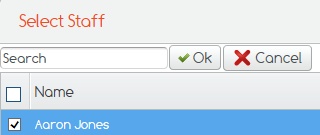
Tick those staff members you wish to add then click ok to complete.
If you cannot find what you are looking for please feel free to email us at Support@2simple.com or call us on 0208 203 1781.