Please see our video or scroll down for a step by step guide.
This video will show you how to manually delete and restore staff.

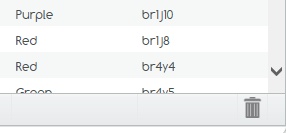
In the bottom right corner of the staff page, click on the ‘Trash Bin’.
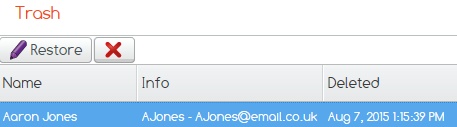
Highlight the staff members you wish to restore and click the restore button and your staff members will be added back to your list.
If you cannot find what you are looking for please feel free to email us at Support@2simple.com or call us on 0208 203 1781.